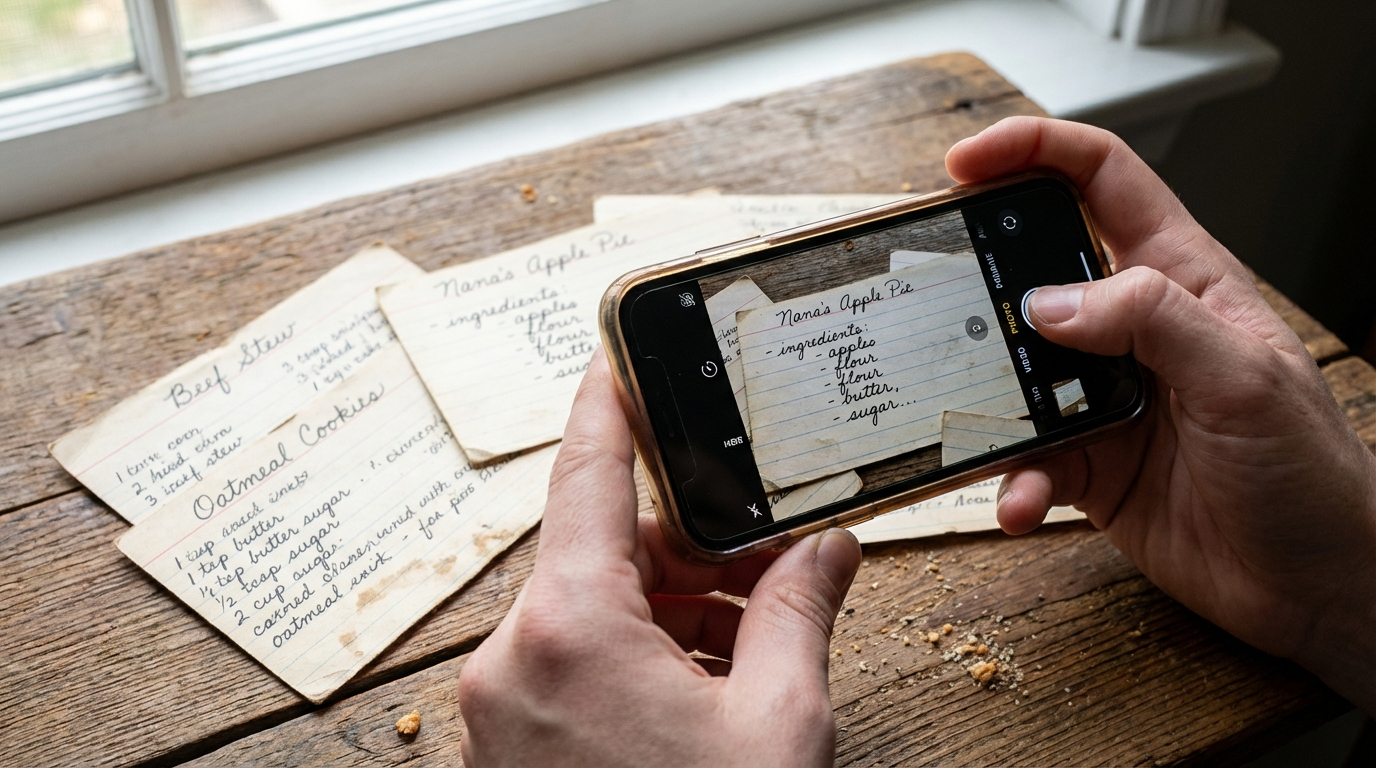
Effortless Recipe Collection
Capture handwritten or typed recipes with your phone camera. ReciScan extracts text and stores recipes automatically, without tedious retyping.
FundraiserCookbook.com
Bring your community together and turn cherished recipes into a professionally printed cookbook. ReciScan gives you a modern, faster path from recipe collection to fundraising sales.
Perfect for schools, churches, sports teams, booster clubs, and nonprofits. Fewer manual steps, more momentum.
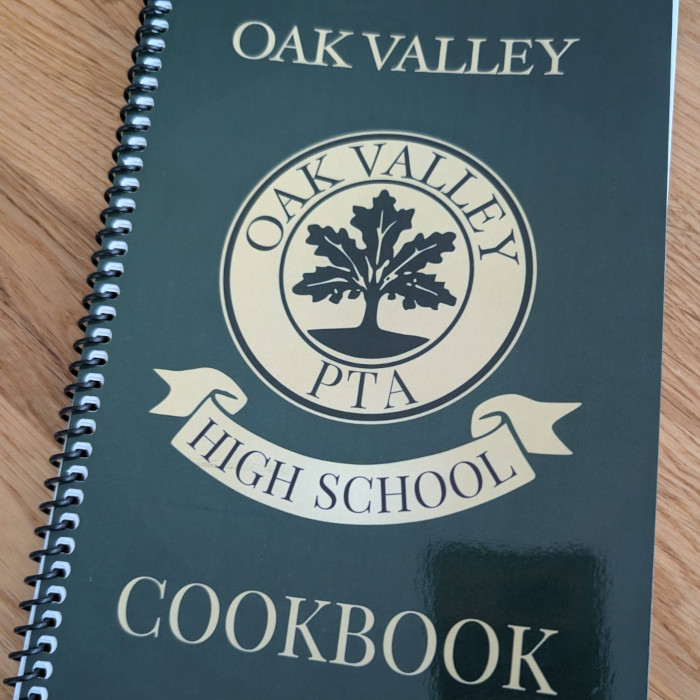
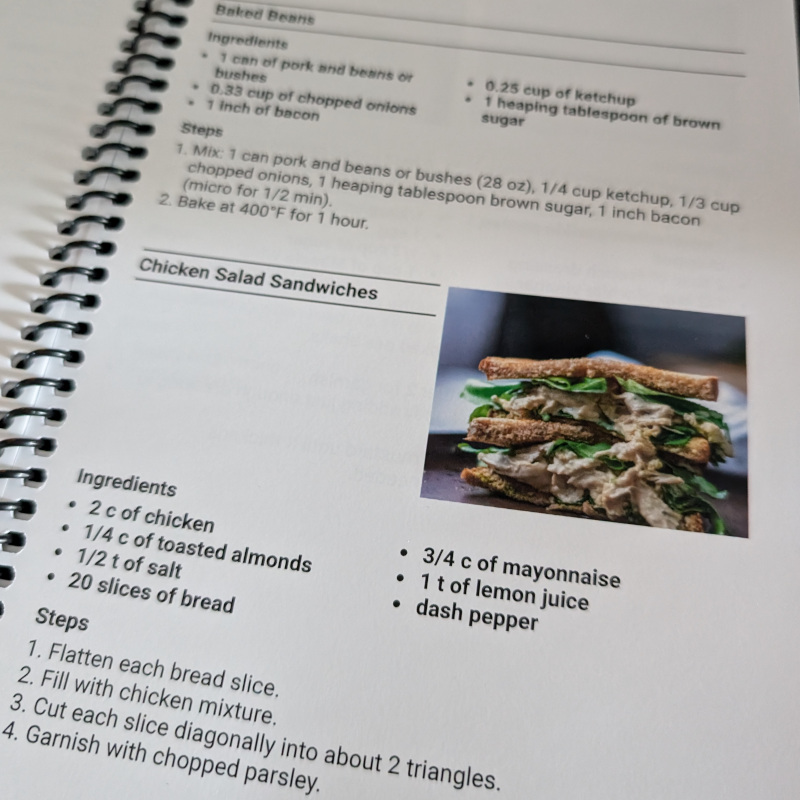
Cookbook fundraisers preserve local recipes, engage families and supporters, and give you something meaningful to sell online or in person. ReciScan replaces old manual processes with a streamlined, automated workflow for recipe collection, organization, printing, and storefront sales so your team can stay focused on fundraising.
Whether you call it a fundraiser recipe book, recipe book fundraiser, or fundraising recipe book, the goal is the same: launch faster and keep more time for your mission.
Capture handwritten or typed recipes with your phone camera. ReciScan extracts text and stores recipes automatically, without tedious retyping.
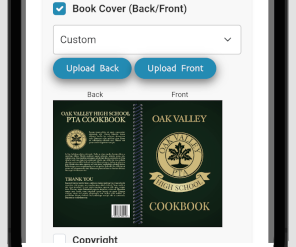
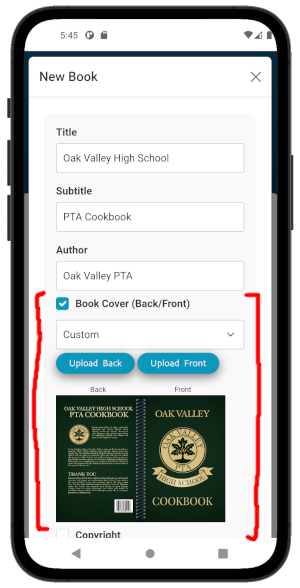
Add custom covers, preface pages, and About the Authors content to make your cookbook unique to your group.
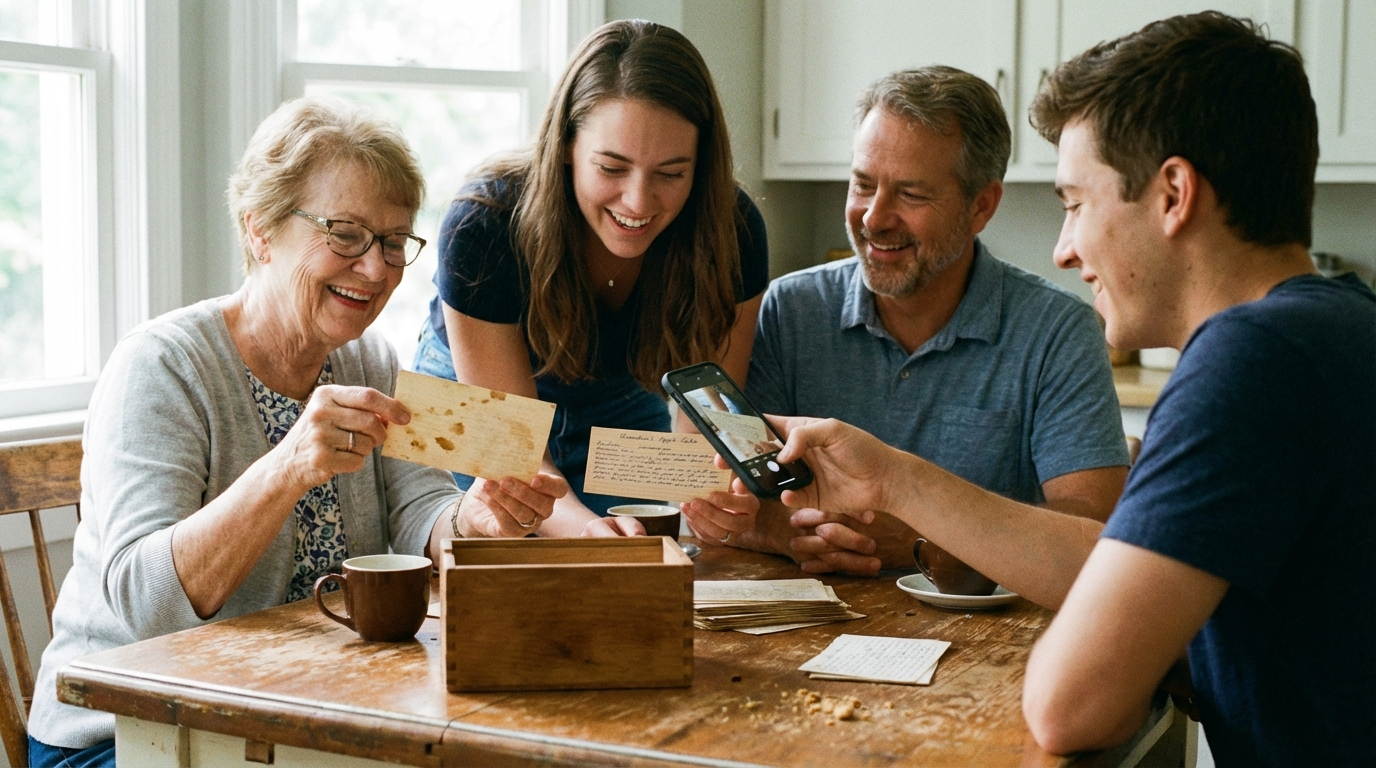
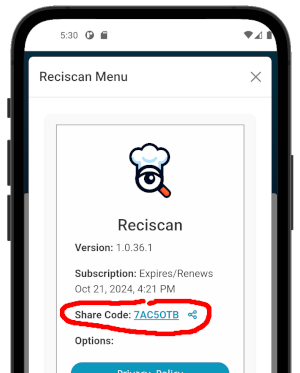
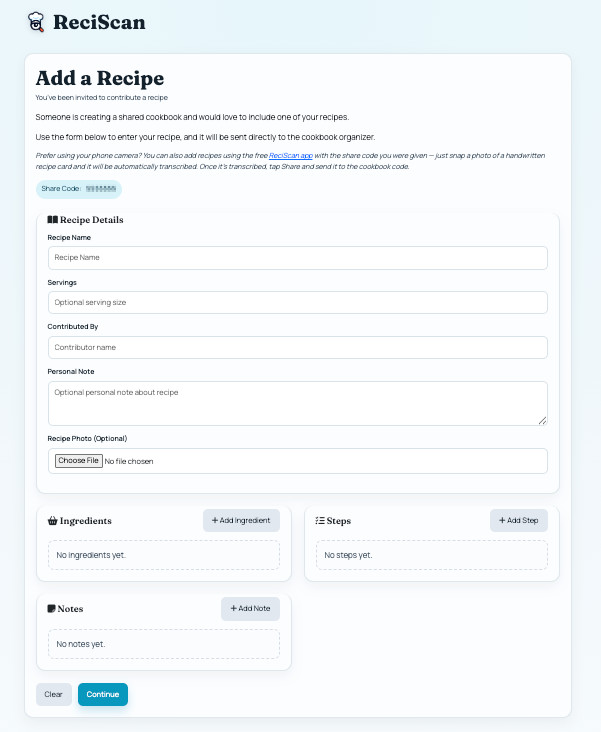
Invite contributors with a Share Code. They can submit recipes from the app or web form, so organizers spend less time chasing content manually.
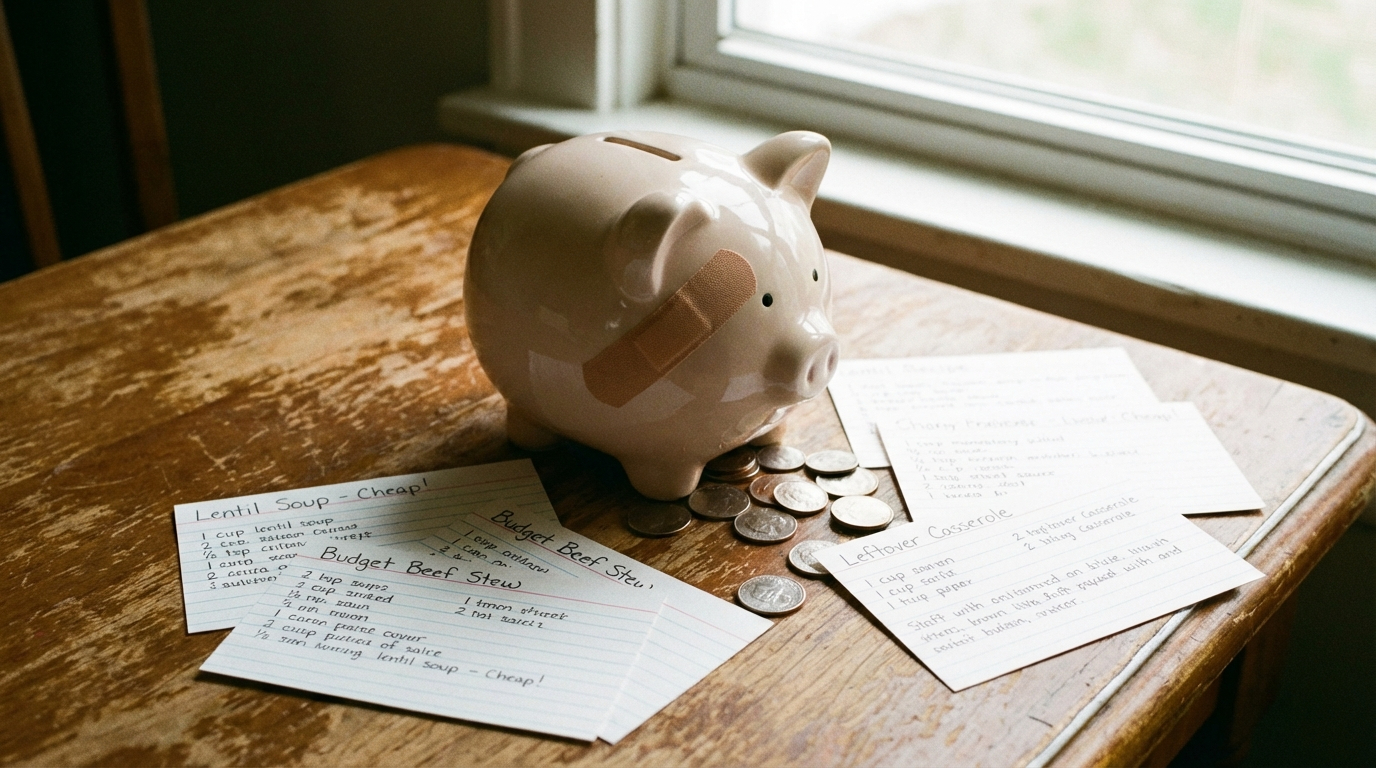
Estimate pricing first, print in manageable batches, and avoid guessing before you launch your fundraiser.
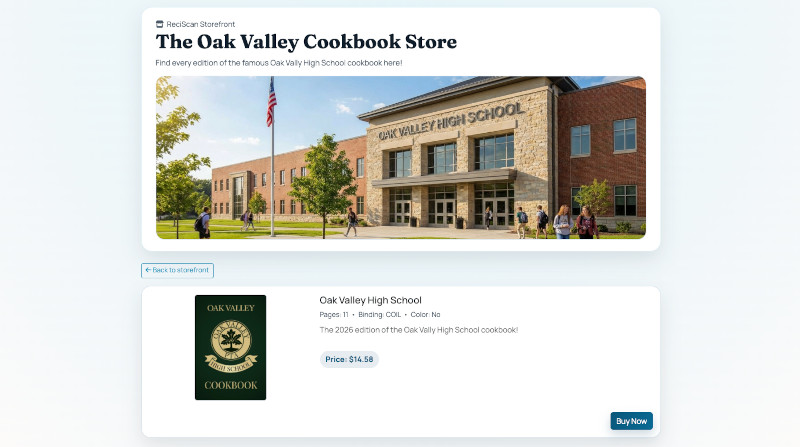
Set up a ReciScan storefront so buyers can order directly and profits route to your Stripe-connected seller account with a modern checkout flow.
Start small, reprint on demand, and scale as sales grow without high minimum order pressure.
Use the full ReciScan fundraiser calculator to test page count, binding, color interior, print quantities, and markup before launch.
For bulk orders, the calculator helps you estimate print cost, suggested selling price, and expected profit so you can set clear goals.
For online storefront sales, checkout already includes printing and shipping costs for each buyer, giving you a simpler, faster selling process with clear margins.
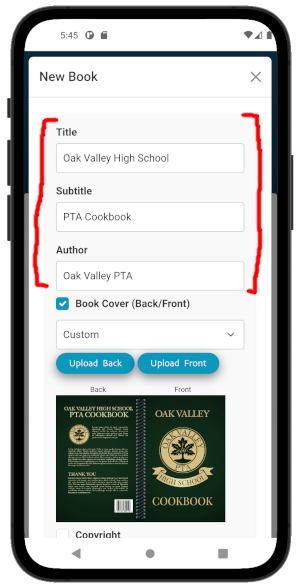
Open ReciScan Fundraiser CalculatorDownload the free app, create a new cookbook, and add your title so supporters instantly recognize it. The setup is fast, modern, and beginner-friendly.
Download ReciScan first. It only takes a minute to get started.


You can collect recipes in whatever way works best for your group. Contributors can send recipes to you and you can scan them yourself, they can submit through a simple web form, or they can use the ReciScan app to scan their own recipe cards and send them to you directly.
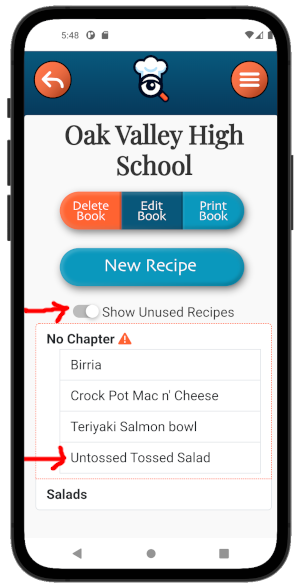
Organize your cookbook by grouping recipes into chapters, adding contributor names, including comments, and writing chapter opener text to give each section a clear story and structure without extra manual formatting work.
Upload custom covers, add a preface, include author text, and personalize the cookbook details before publishing for a polished, modern final result.
Proof a copy, then sell through your storefront or order bulk copies for in-person sales. Reprint anytime as demand grows.
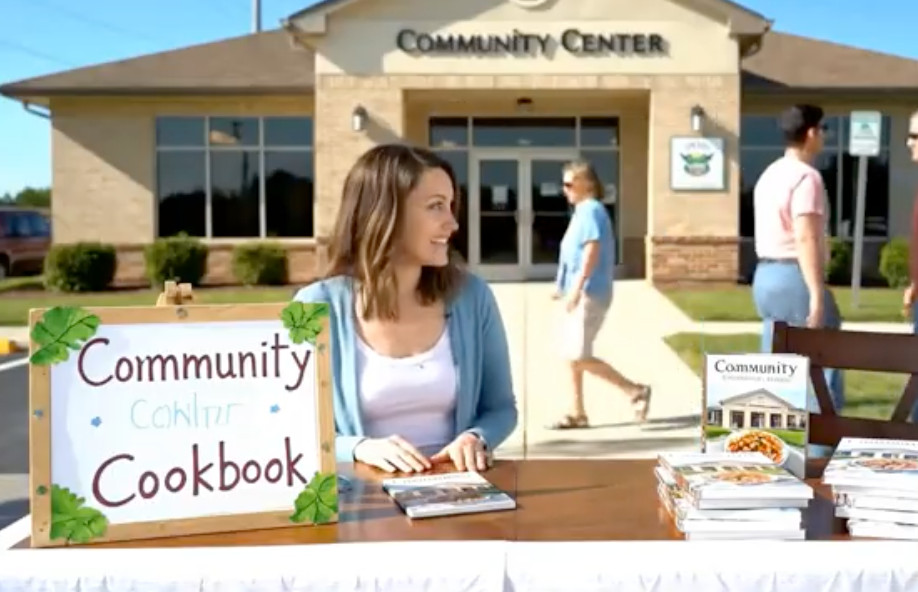
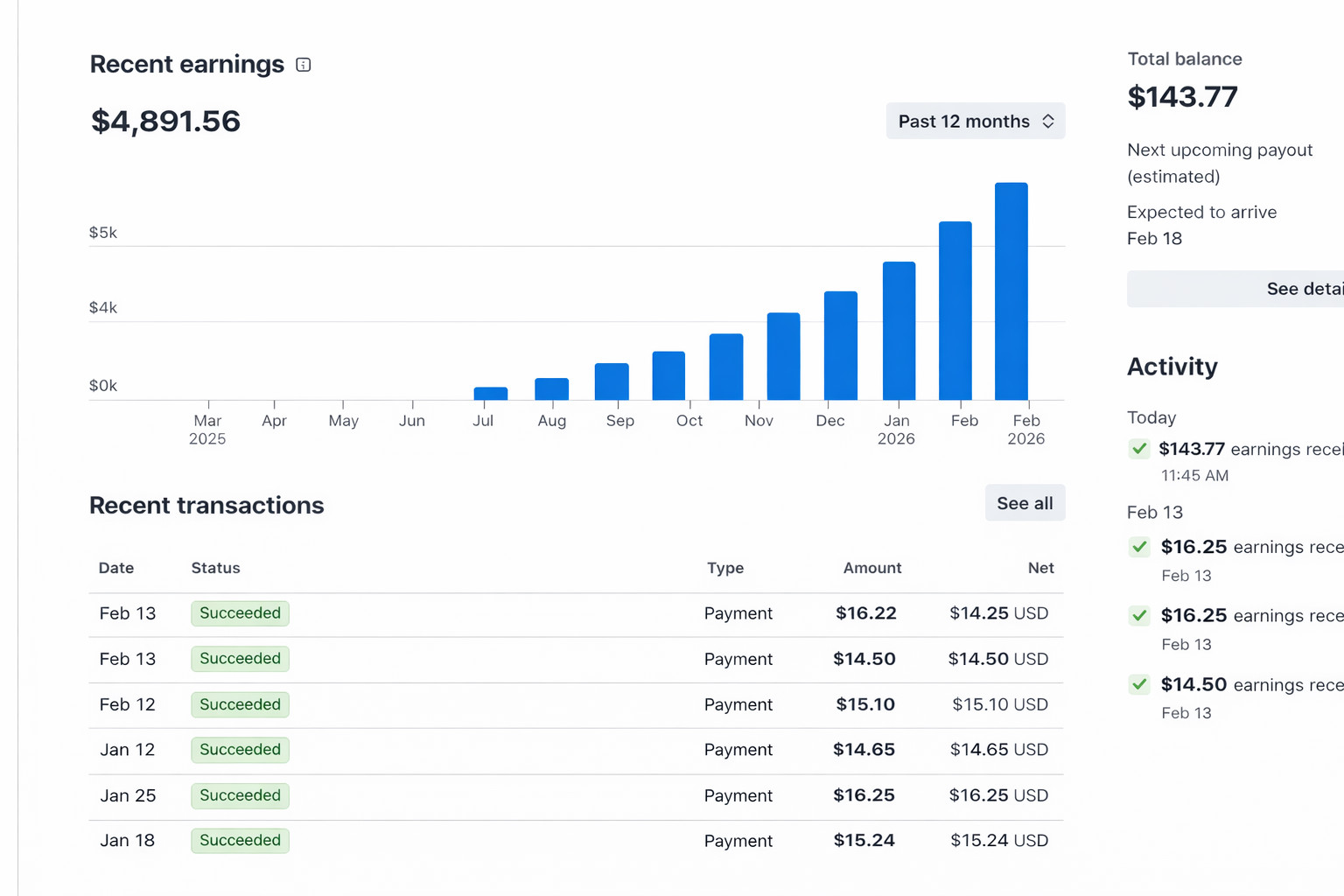
Create a seller profile in the ReciScan portal, connect Stripe payments, link your bank account, and list your printed cookbook. Buyers can check out as guests, and your fundraiser profit goes directly to your Stripe payout flow. Note that you will need a successful printed order ID before listing a book.
Yes. The app is free to use. Printing has separate costs, and subscribers unlock contributor invites, custom covers, and discounted print pricing.
Use New Recipe in the app to scan with your camera, upload photos, paste URLs, paste text, or enter recipes manually.
Yes. Use your Add Recipe web link: https://reciscan.app/addRecipe/<your share code>.
A fundraiser recipe book is a cookbook sold to supporters to raise money for a school, church, team, club, or nonprofit.
Cookbook fundraisers collect recipes from contributors, organize and print a finished book, then sell copies online or in person to generate profit.
Yes. You can combine online storefront sales with bulk orders for school events, church gatherings, and community pickup.
A typical 50-page black-and-white book is around $18 (about $13 for subscribers). Bindings include paperback coil, saddle stitch, perfect bound, and hardcover casewrap.
Delivery averages around 14 days, depending on location and shipping option.
Your recipes remain on your device and you can still order books, but subscriber-specific benefits end.